What is an AI Prompt Generator?
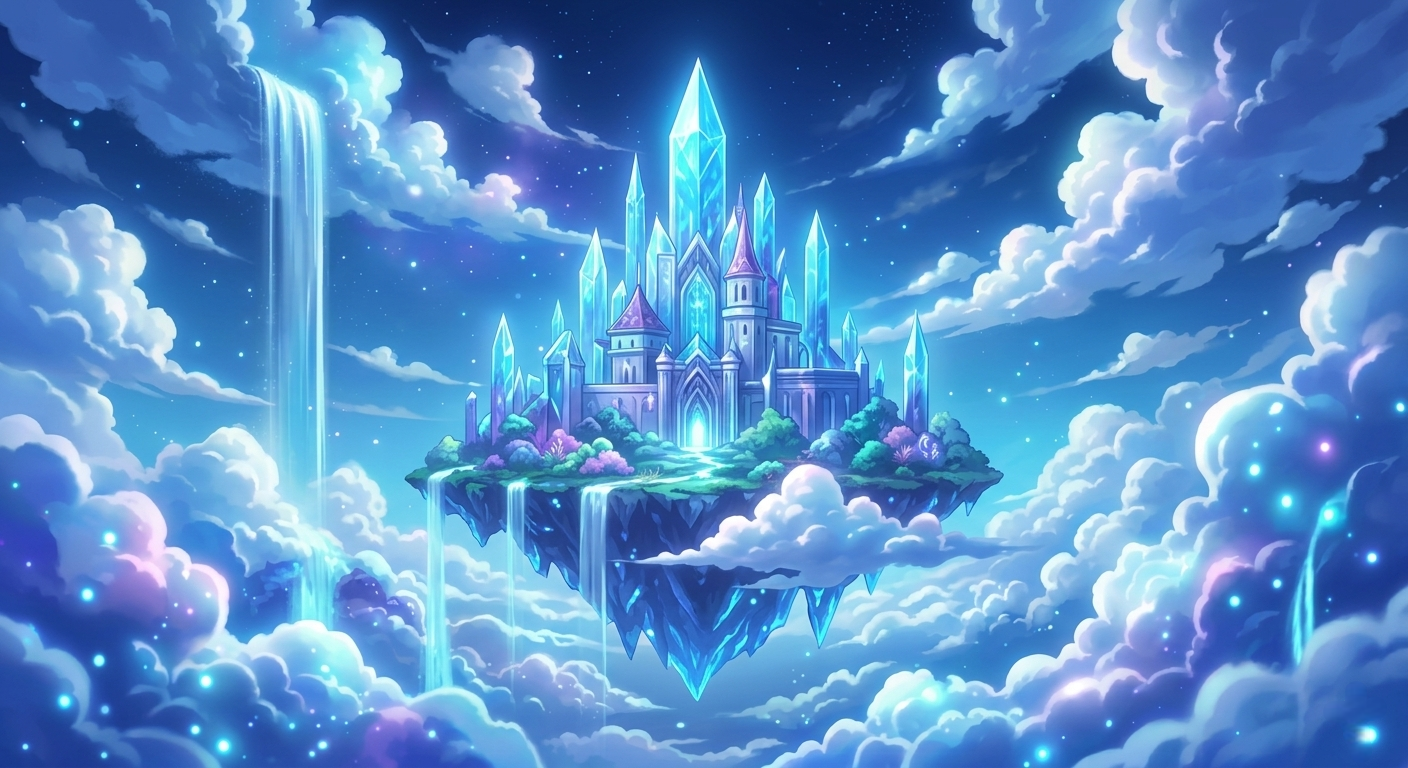
An AI prompt generator is an advanced tool designed to help users craft highly optimized text descriptions for AI image generation models like Midjourney, DALL-E 3, and Stable Diffusion. By simply inputting a basic idea, the generator enhances the prompt with specific keywords related to lighting, camera angles, artistic styles, and rendering techniques.
Writing the perfect prompt from scratch can be challenging. An AI prompt builder takes the guesswork out of the equation, injecting industry-standard terminologies that these machine learning models respond best to, ensuring that your generated art is of the highest possible fidelity.
How to write better prompts for Midjourney and DALL-E?
Crafting the ultimate prompt requires a structured approach. The AI models interpret text sequentially, meaning the words at the beginning of your prompt hold more weight than those at the end. Here is a proven formula for writing better prompts:
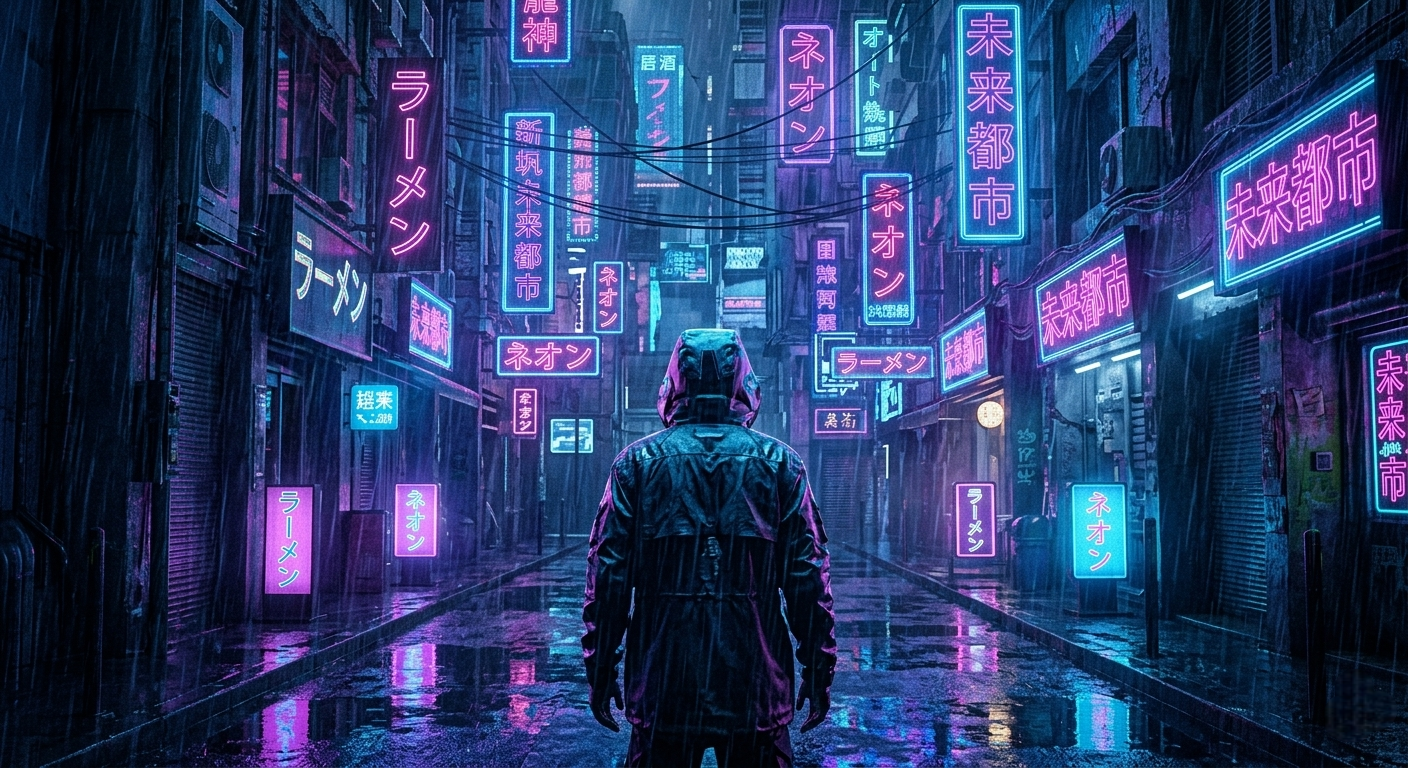
- Subject: Start with a clear description of the main subject (e.g., A futuristic cyberpunk warrior).
- Medium/Style: Define the artistic medium (e.g., oil painting, 3D render, digital illustration).
- Environment: Describe the background and setting (e.g., standing in a neon-lit alleyway raining).
- Lighting & Atmosphere: Establish the mood (e.g., cinematic lighting, volumetric fog, moody).
- Technical Parameters: Add specific rendering keywords and aspect ratios (e.g., 8k resolution, Unreal Engine 5, --ar 16:9).
Tips for High-Quality AI Images
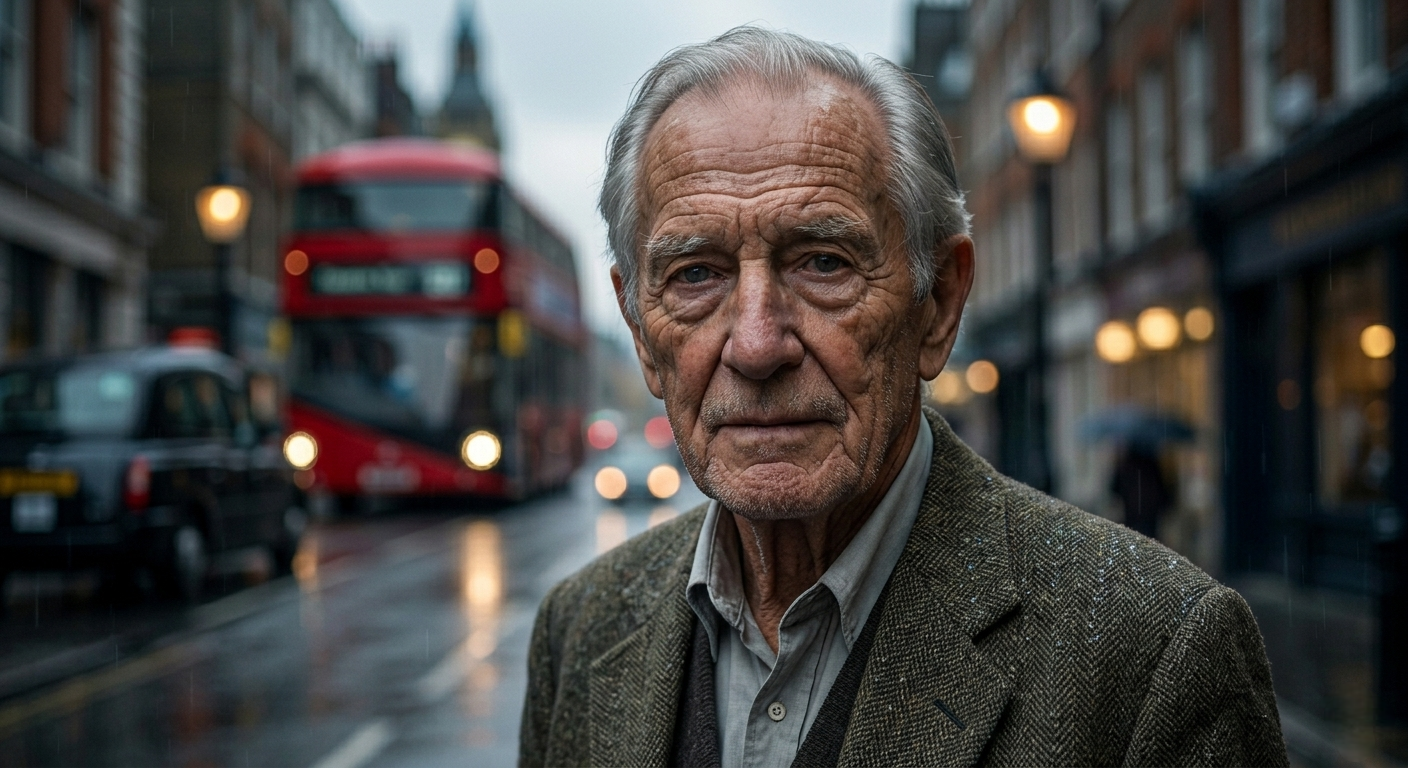
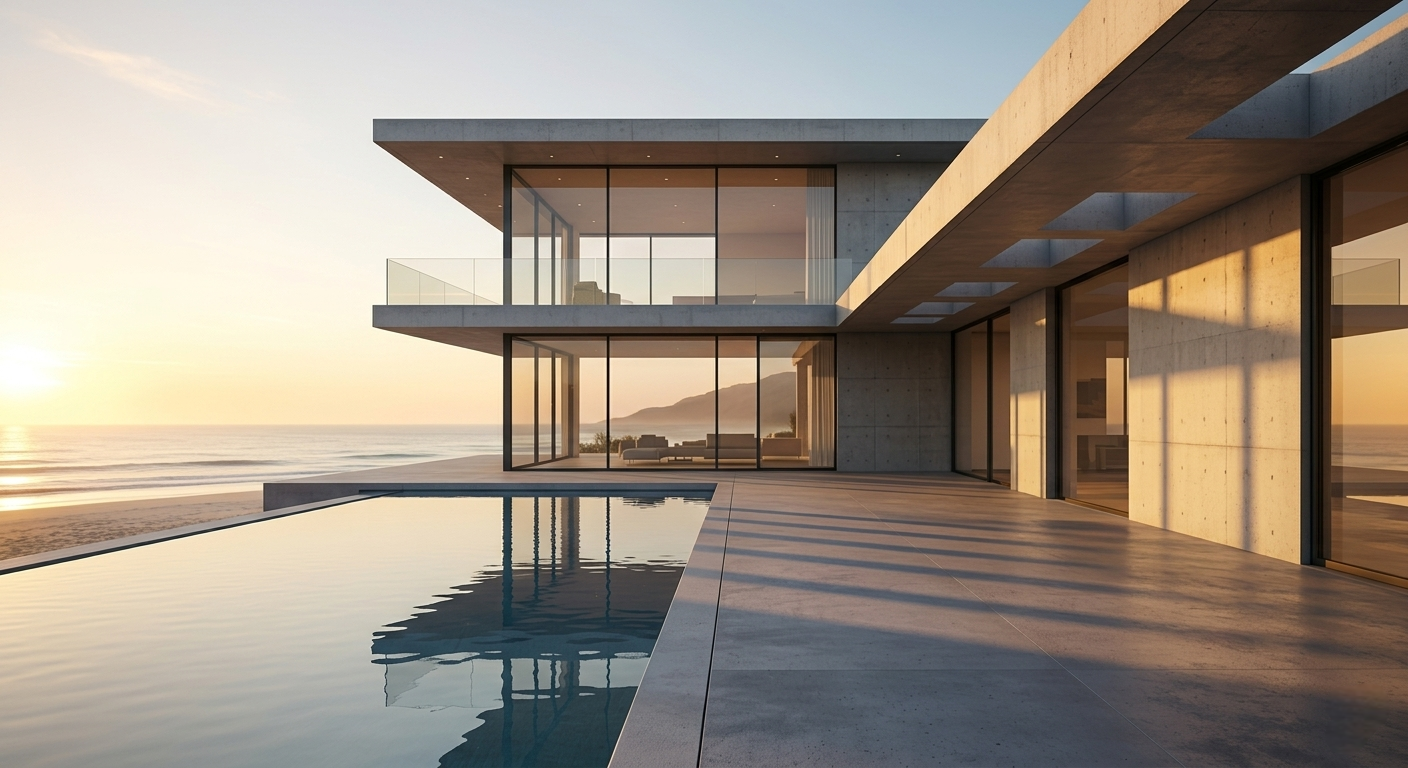
To consistently generate masterpieces, you should familiarize yourself with photography terminology. Using terms like "shallow depth of field," "macro photography," "golden hour lighting," or "shot on 35mm lens" can dramatically shift a generic AI image into a photorealistic marvel.
Furthermore, try mixing contrasting styles. Asking for a "Cyberpunk city in the style of Vincent Van Gogh" can yield incredibly unique and breathtaking results. Our AI Image Prompt Generator is built with these exact principles in mind, doing the heavy lifting so you can focus entirely on your creative vision.
Frequently Asked Questions
What is an AI image prompt generator?
It's a tool that turns a simple idea into a detailed, optimized prompt for AI image models like Midjourney, DALL-E 3 and Stable Diffusion. You enter a concept, pick a style, atmosphere and aspect ratio, and it adds the industry-standard keywords those models respond to — so you get better art without writing the prompt by hand.
Is this AI prompt generator free?
Yes, it's completely free. You can generate unlimited prompts and copy any of our 200+ ready-made prompts with no sign-up, no account and no payment.
Which AI image generators do these prompts work with?
All of the major ones. The prompts are written to work with Midjourney, DALL-E 3, Stable Diffusion, Leonardo, Ideogram and most other text-to-image models. A few parameters like '--ar' and '--niji' are Midjourney-specific and can be removed for other tools.
Do I need an account to use it?
No. There's no login, no email and no install. Open the page, build or copy a prompt, and paste it into your favorite image generator.
How do I write a good AI image prompt?
Start with a clear subject, then add the medium or style, the environment, the lighting and mood, and finally technical details like resolution and aspect ratio. Putting the most important words first gives them more weight. Our generator and prompt library follow this exact structure for you.